How auto-apply works
Auto-apply prepares an application from your profile and, only with your approval, submits it on the employer's site. It is part of the Basic and Pro plans.
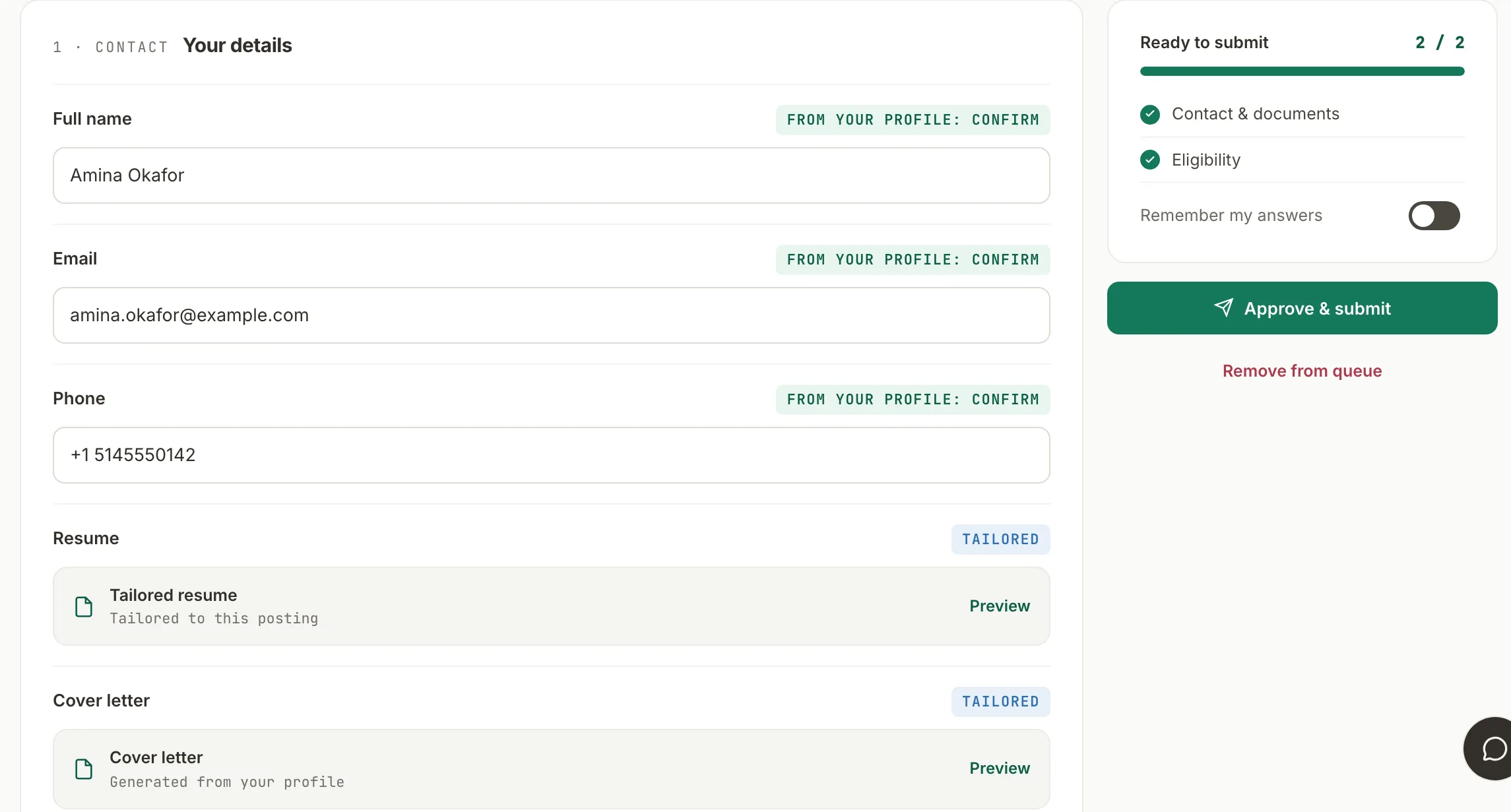
You start it, per posting
Auto-apply never runs on its own. You choose a posting in Jobs and press Start auto-apply. Jobiko then tailors a resume and cover letter to that posting and fills the supported fields of the employer's form from your profile.
Review is on by default, and only you can turn it off
Every prepared application stops in your queue with each answer and both documents shown. Nothing is sent until you press Approve and submit. In Settings you can switch to sending without review; that choice applies to future applications and you can switch it back at any time.
When a form asks something your profile does not answer, it stops
A question Jobiko cannot answer from your profile pauses the run and hands that field to you. It does not pick the closest-looking option to keep going.
What counts against your plan
Only completed submissions count: 100 a month on Basic, 200 on Pro. An application that is waiting for your review, that you remove from the queue, or that fails on the employer's site does not use an allowance. Counts reset on the first day of each month.
Where it works
On the platforms listed on the supported sites page, with a field pack where one exists and AI field mapping elsewhere. Some employer forms cannot be completed automatically; when that happens the application stays in your queue with a link to finish it by hand.
What Jobiko sends to AI providers
Tailoring the documents and mapping unfamiliar form fields send the relevant parts of your profile and the posting to external AI providers. The privacy policy lists which providers, what they receive, and how long anything is kept.
Spend your energy on the right roles.
Let Jobiko handle the forms, the tailoring, and the tracking.
Start free →